
Social Media Marketing
Never wonder what to post again.
Every listing gives you a post for each moment, Coming soon to Just sold, made from its photos with a caption ready to copy.
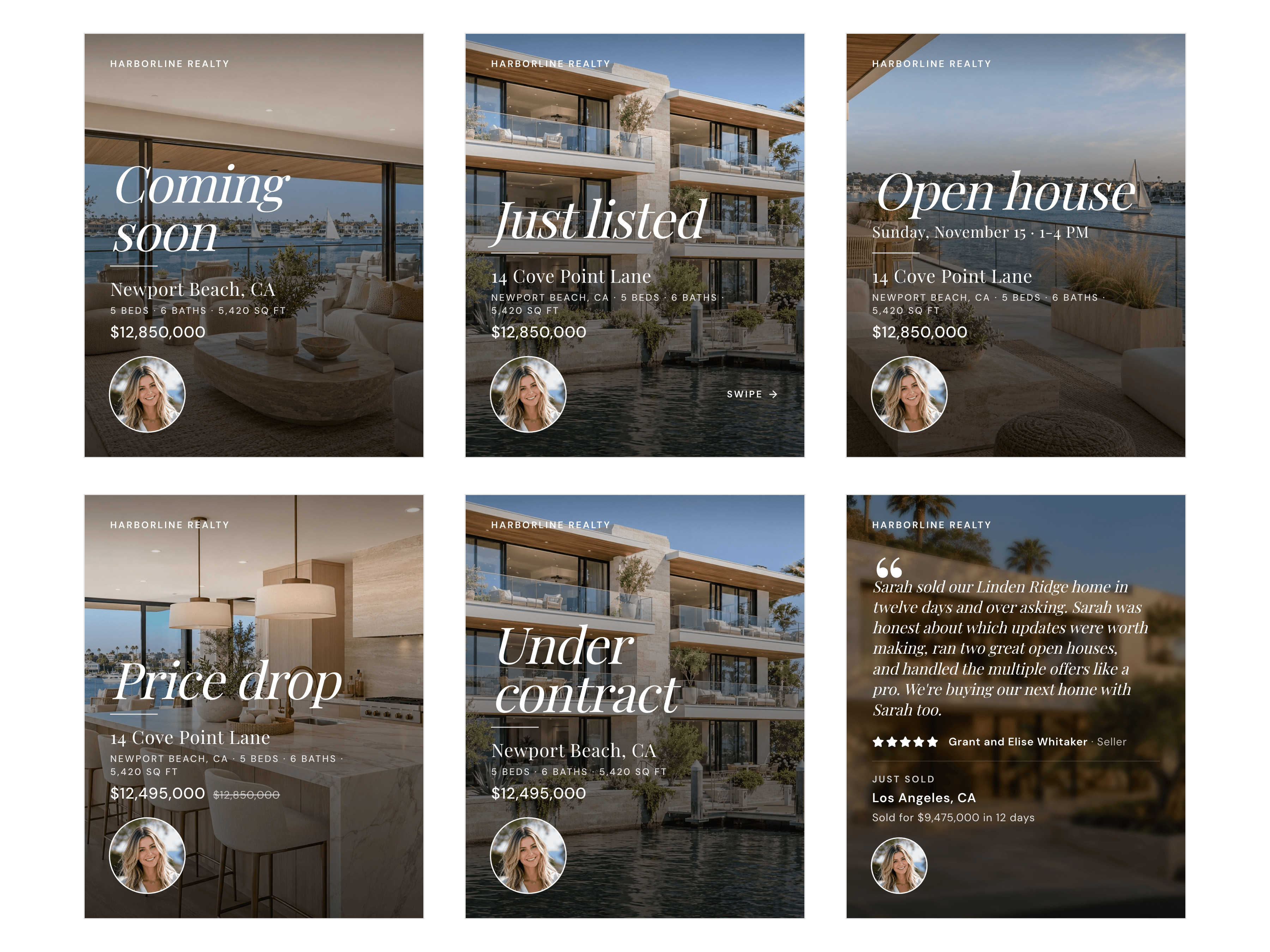
A post for every moment.
Each one is made from the same listing.
Coming soon
Build interest before the home hits the market.
Just listed
Launch day, with the photos and the price.
Open house
The date and time, a few days ahead.
Price drop
The new price, next to the old one.
Under contract
Let followers know it's moving.
Just sold
The sale, told in your seller's own words.
Carousels that tell the whole story.
Followers swipe from the cover to the details and on to you. Every slide matches.
Photos, details, and you
The price, the facts, the open house, and how to reach you.
Five looks to pick from
Editorial, Bold, Hook, Gallery, and Agent spotlight.
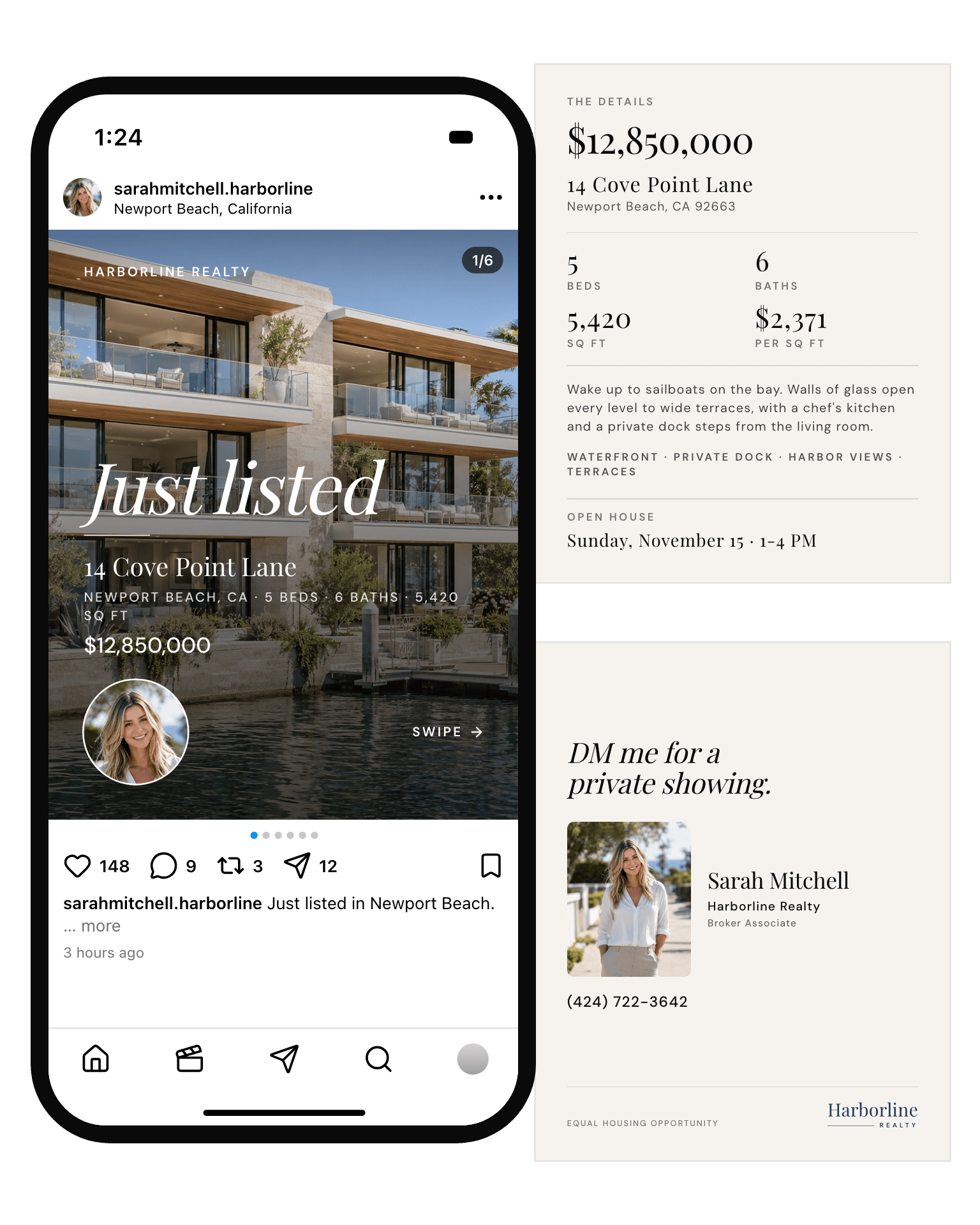
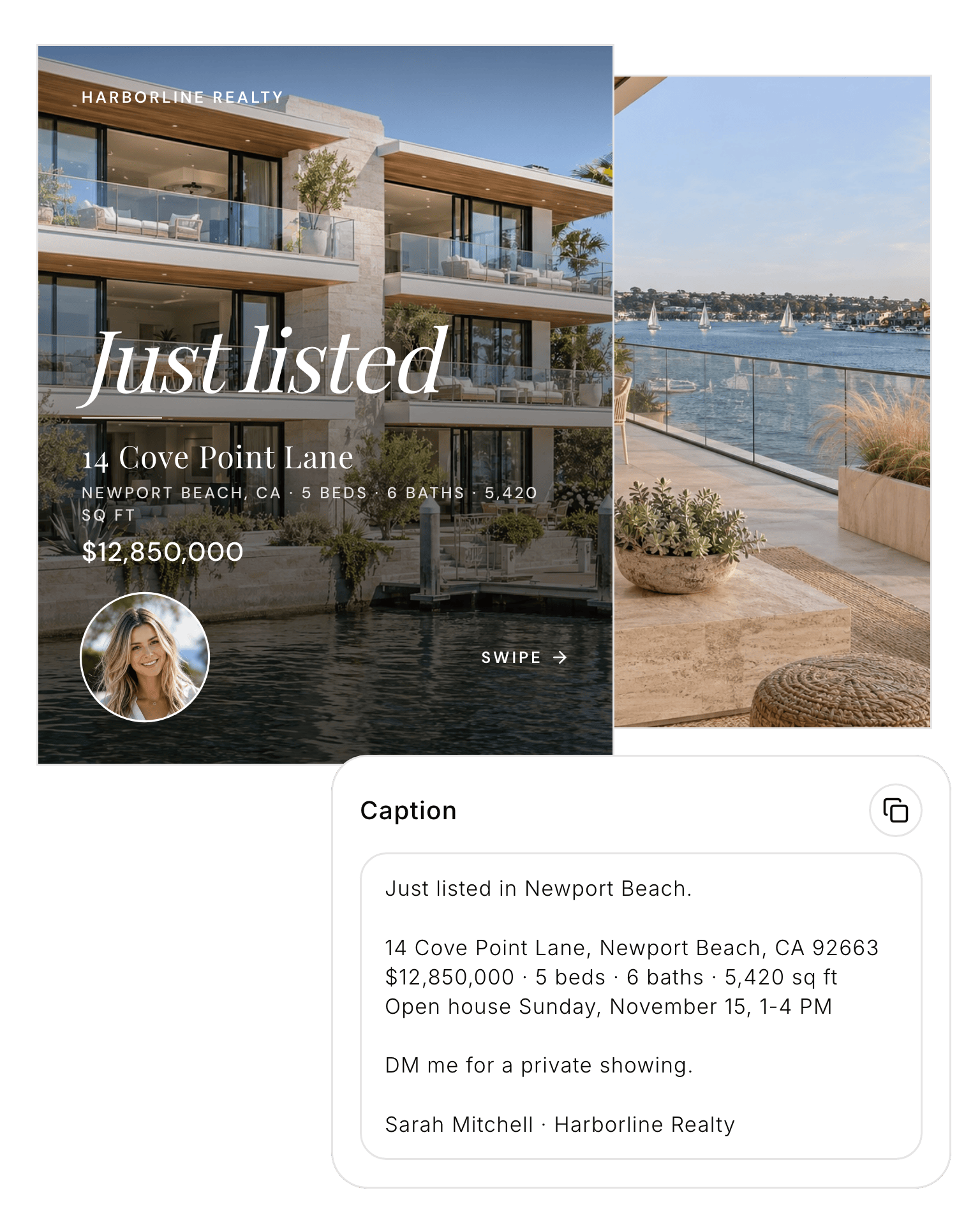
Ready to post in a tap.
On your phone, tap Share to send every slide to Instagram or Facebook, then paste the caption. On a computer, download the slides.
A caption to paste
Built from the address, the price, and the open house.
Posts and Stories
Portrait for the feed, and full screen for Stories.
AI captions
Pick a tone, and get a caption written from the listing. Coming soon.
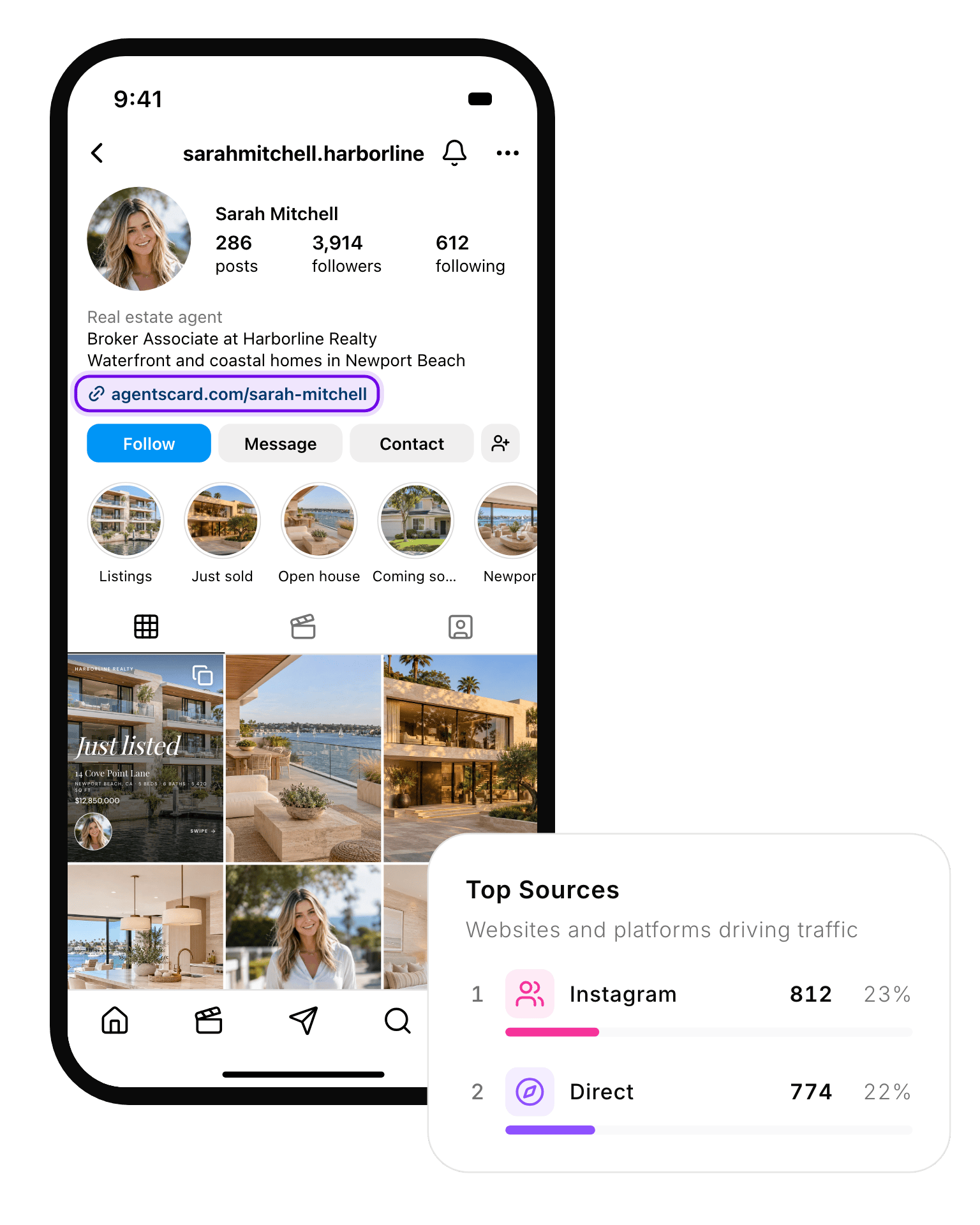
Send followers somewhere worth going.
Put your site in your bio, so a follower who likes a post can see every listing and reach you.
Your site in your bio
One link to your listings, your sales, and your reviews.
Visits from your posts
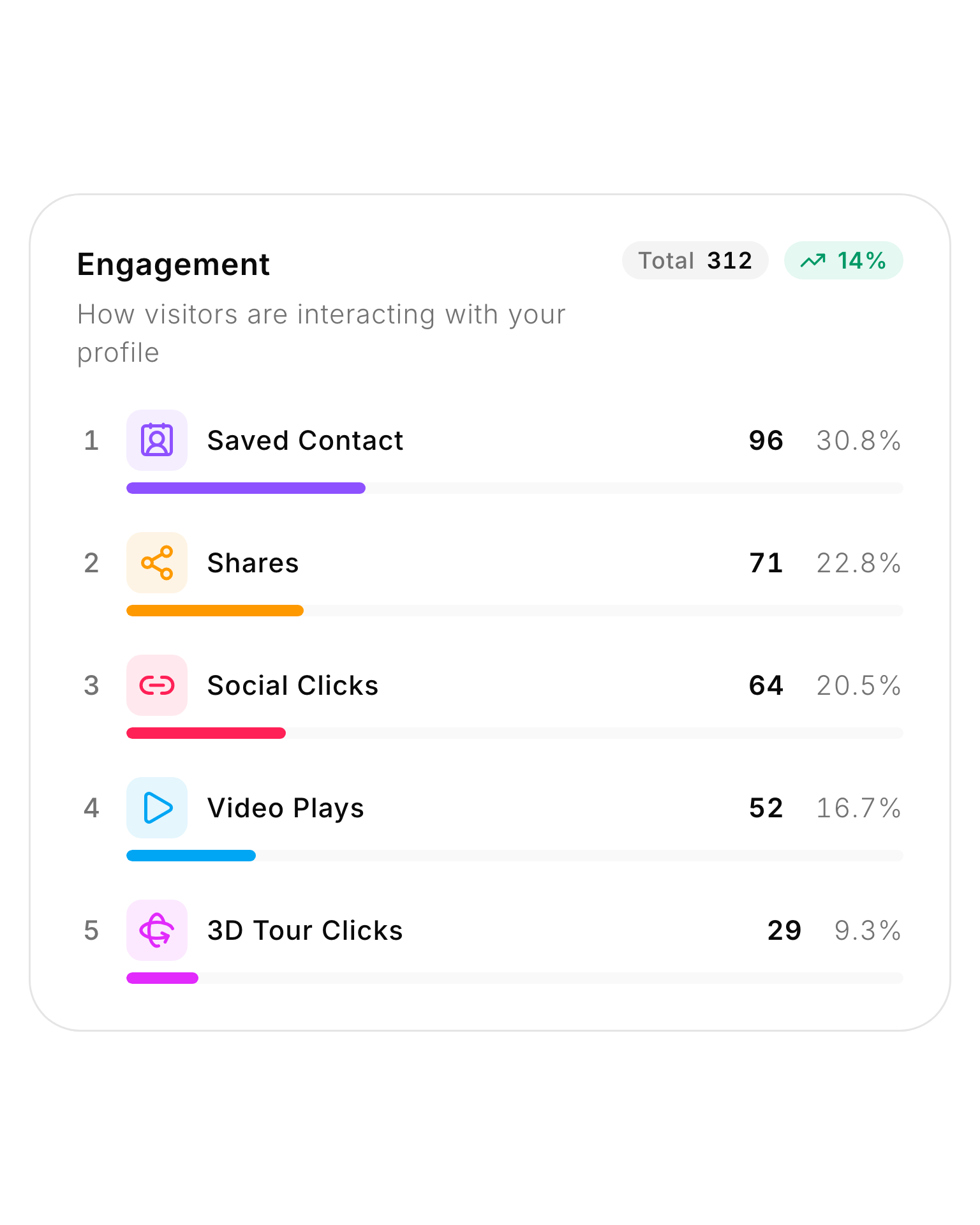
See how many people Instagram sends to your site.
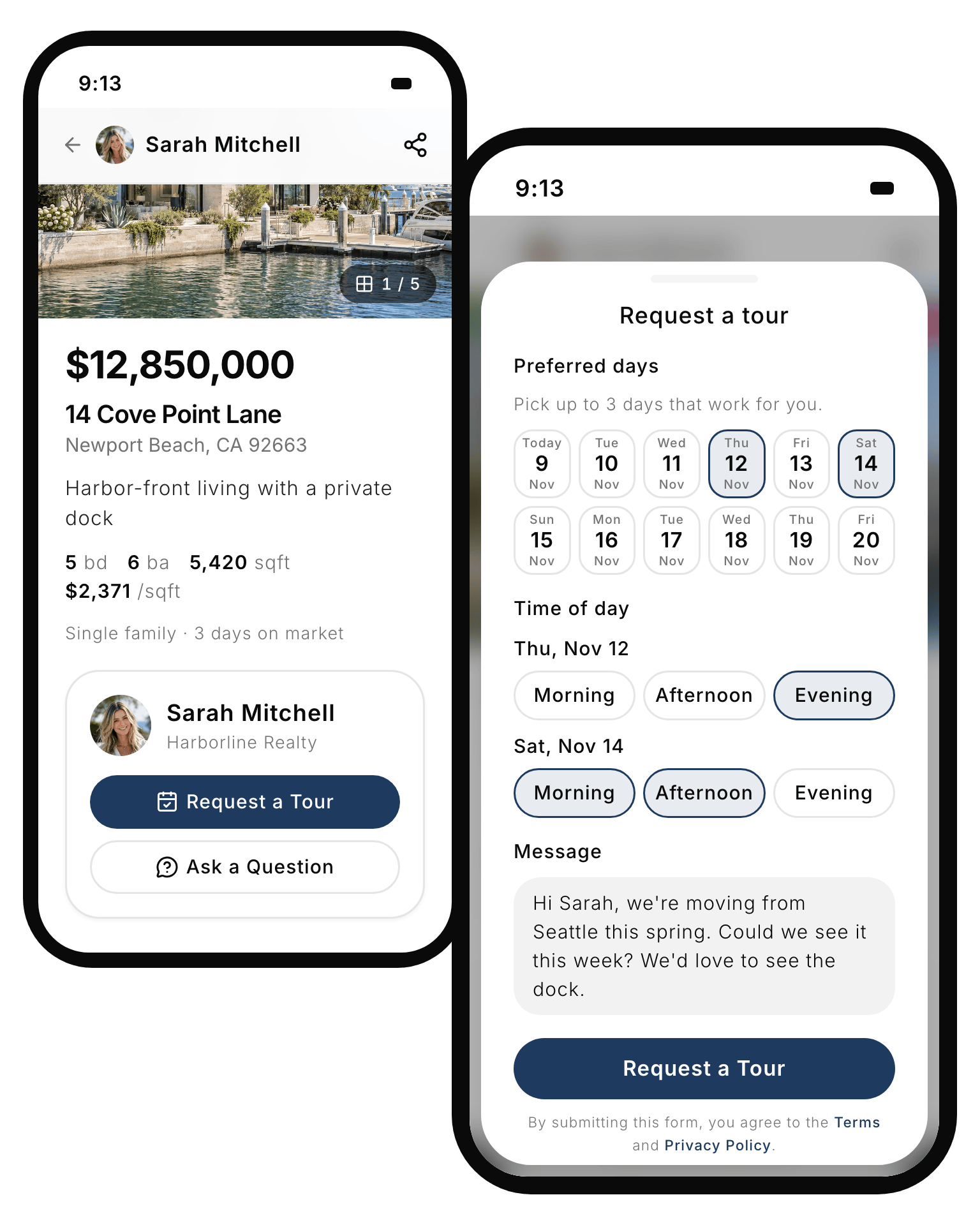
Works with the rest of AgentsCard.
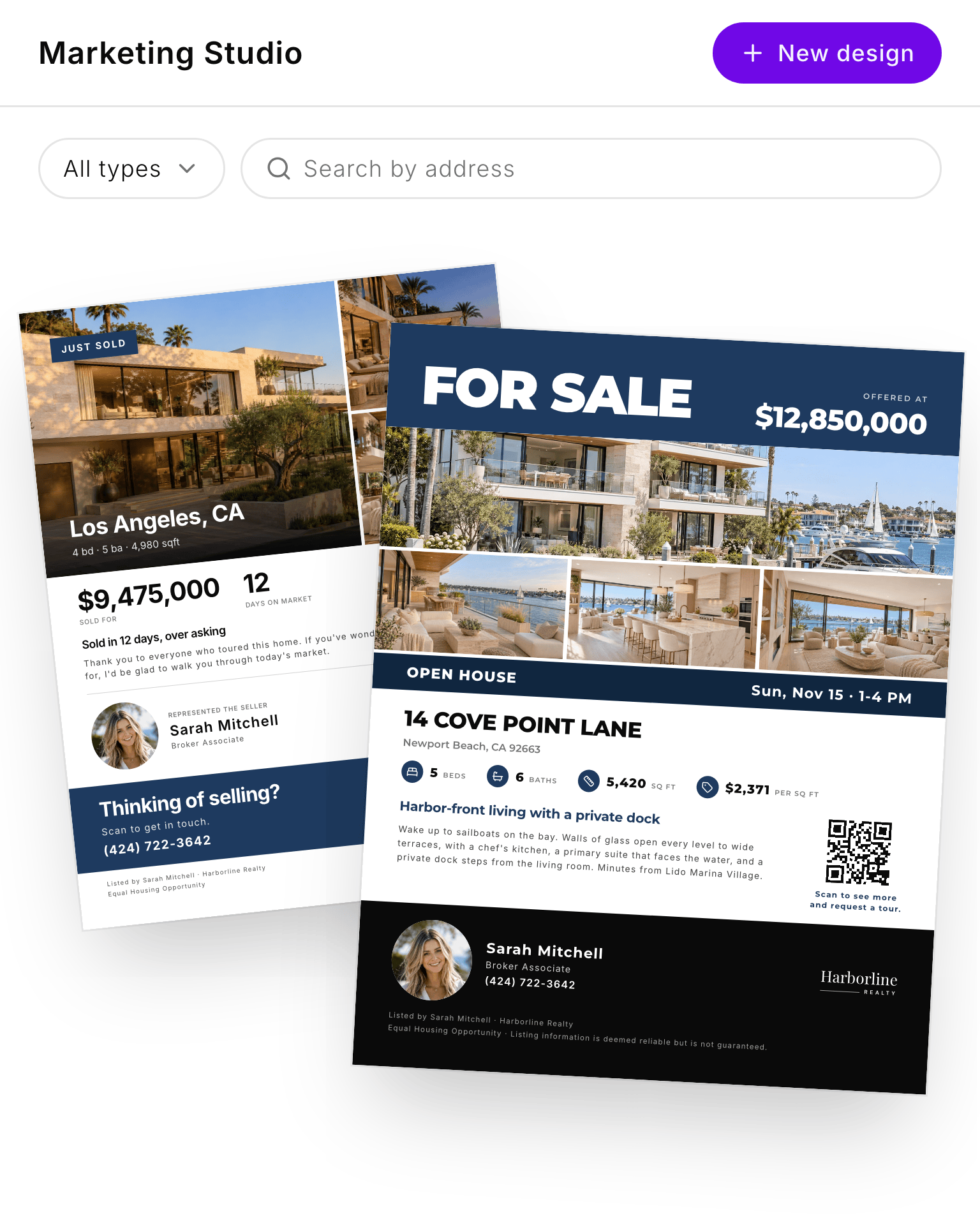
Your posts send followers to your listings, Analytics shows what they do, and Marketing Studio makes the flyers too.
Social media questions, answered.
Your listings at every stage, from Coming soon to Just sold, plus open houses and price changes. Each one gives followers a reason to look, and AgentsCard makes a post for each from the listing.
Yes, and you should. Each new moment, like an open house or a price drop, is a fresh post from the same listing.
Portrait posts for the feed and full-screen Stories, the sizes Instagram and Facebook show best.
On your phone, tap Share and pick Instagram or Facebook. On a computer, download the slides and upload them.
Yes. Make one from any closed sale, including a Client story post with your seller's words next to the sale.

Turn your next listing into a week of posts.
Pick a moment, and the post is ready. Start free for 14 days.