
A Complete Guide to Google Reviews for Real Estate Agents
Set up your Google Business Profile, request and respond to reviews within the rules, and use them to strengthen local search and AI visibility.
By Rajwinder Mahal
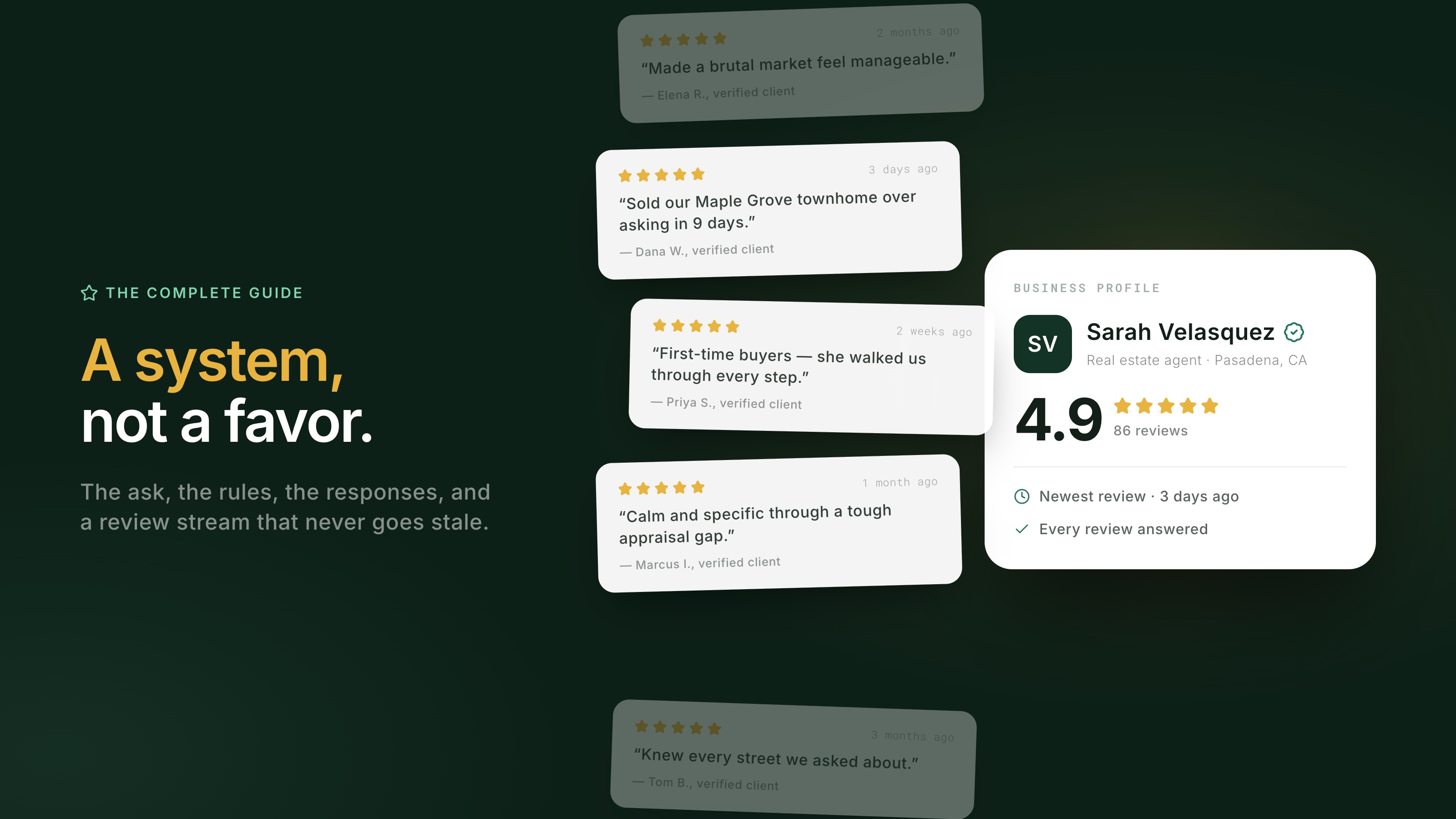
Google reviews work best as part of your client follow-up, not as a favor you remember to request now and then. The routine is straightforward: claim an eligible Business Profile, ask every client with a direct link, never offer an incentive, respond thoughtfully, and keep collecting reviews over time. Together, those habits shape what prospects see when they Google your name and create public evidence that search engines and AI assistants may use. This guide covers setup, requests, platform rules, responses, negative reviews, and the role of review volume and recency.
Why are Google reviews so important for real estate agents?
Google remains the most widely used review platform. In BrightLocal's Local Consumer Review Survey 2026, 97% of consumers said they read reviews for local businesses, and 71% used Google, more than any other platform. Consumers were also most likely to have written a review on Google in the previous year (45%, compared with 34% for Facebook and 24% for Yelp).
The same survey reports that 45% of consumers use generative AI tools for local business recommendations, up from 6% a year earlier, and 82% read AI-generated review summaries. That does not mean every AI assistant uses the same sources or follows one ranking formula. It does mean prospects increasingly encounter machine-generated summaries of public review content alongside the reviews themselves. We cover that shift in our guide to getting found by AI.
Real estate raises the stakes because many clients do not interview several agents. In the NAR 2025 Profile of Home Buyers and Sellers, 43% of buyers found their agent through a friend, neighbor, or relative, and 74% interviewed one agent before deciding. Among sellers, 35% named reputation as the most important factor in choosing a listing agent, followed by honesty and trustworthiness at 22%. A strong Google profile can reinforce a referral before the prospect calls.
How do you set up your Google Business Profile as an agent?
Before creating a new profile, check Google's eligibility rules for individual practitioners. A public-facing real estate agent who can be contacted directly at the verified location during stated hours may be eligible for a practitioner profile. Use the business name clients know in the real world and choose "Real estate agent" as the primary category. Your brokerage's rules and local advertising regulations still apply to how you present your name and affiliation.
Complete every relevant field: the service areas you genuinely cover, accurate hours, a direct phone number, a link to your website or microsite, a professional photo, and a plain-English description of who you serve and where you work. Keep your name, brokerage, phone number, and service areas consistent with your website, portal profiles, and social bios so prospects and search systems can connect them to the same business.
Keep the profile current after setup. Update changed hours or contact details, add recent photos when appropriate, and respond to reviews. A short recurring task on your weekly calendar is easier to maintain than an occasional cleanup.
If you are on a team, confirm which profiles are eligible before sending review requests. Google allows separate organization and practitioner profiles when several public-facing practitioners share a location, but generally recommends a combined organization-practitioner profile for a solo practitioner at a branded location. Once the eligible profiles are clear, choose where each request should point so reviews do not scatter by accident.
When and how should you ask for Google reviews?
Ask after the client has experienced your full service, often on closing day or at key handoff, and make the next step easy. Send the direct review link in a personal text or email. "Just Google me and leave a review" adds unnecessary friction. Google gives every Business Profile a shareable link under "Ask for reviews," so add it to your closing routine instead of relying on an email signature.
Asking consistently matters. BrightLocal's 2026 survey found that most consumers had been asked to write a review in the previous year and that many followed through after a request. Your own response rate will vary, but a repeatable process gives every client the same opportunity to share an honest experience.
Make the link easy to find after the initial request. You can add a QR code to a closing card or packet and keep the link in your email signature. Those placements support the personal ask and give busy clients another chance to follow through.
Two habits make each request more useful. First, make clear that honest feedback in the client's own words is enough. Do not ask for specific keywords, neighborhoods, or staff names; Google prohibits requiring or pressuring reviewers to include particular content. Detailed reviews can help future clients when reviewers choose to write them, but the wording must be theirs. Second, schedule one polite follow-up a week later for requests that were easy to miss. For wording by channel and scenario, use our review request scripts.
What are the rules for requesting reviews?
You may ask every genuine client for an honest review; you may not pay for reviews, trade anything for them, or manufacture them. Google's user-contributed content policy prohibits incentives such as payment, discounts, or free goods and services in exchange for posting, revising, or removing a review. It also prohibits reviews affected by a conflict of interest, including reviews from current or former employees, family members, and industry competitors. Google can remove violating content and restrict accounts involved in rating manipulation. A smaller, authentic profile is safer than an inflated one.
Federal law adds separate restrictions. The FTC's Rule on the Use of Consumer Reviews and Testimonials, in effect since October 21, 2024, prohibits fake reviews, buying reviews with a required positive or negative sentiment, and offering incentives conditioned on that sentiment. Knowing violations can lead to civil penalties. Google is stricter and prohibits incentives for reviews on its platform, even when no star rating is required. The practical answer is simple: ask for honest reviews and offer nothing in return.
Avoid the gray areas too. Do not filter requests based on who seemed happy, write a review on a client's behalf, or hand over prewritten text. Ask every genuine client for honest feedback, and never buy reviews from a vendor.
Should you respond to every review?
Yes, respond to positive and negative reviews. In BrightLocal's 2026 survey, 89% of consumers expected businesses to respond, 80% said they were more likely to use a business that responds to every review, and 42% were unlikely to use one that never replies. Aim to respond within a week, and sooner when possible.
Quality matters as much as coverage. Half of consumers in the survey said generic responses make them less likely to choose a business. Thank the reviewer by name, reflect one nonprivate detail from the review, and keep it brief. For example:
"Thank you, Dana. I'm glad the weekly updates helped you feel prepared at each step. I appreciate the thoughtful review."
Skip the keyword-stuffed "thank you for choosing [Your Name], the top real estate agent in [City]!" It sounds like an advertisement, not a response. Google's own guidance notes that helpful replies can make a business stand out. If drafting from scratch is the bottleneck, AgentsCard can provide a reply draft for you to review, edit, and post.
Protect client privacy in every response. Do not add a sale price, contract terms, personal circumstances, or any detail the reviewer did not make public. Even when the client mentions the transaction, keep your reply general and follow your brokerage's privacy guidance.
What should you do when a bad review lands?
If the review makes you angry, wait until you can respond calmly, verify what happened, and then reply once. Write for future readers as much as for the reviewer. A measured response can reassure prospects that you take concerns seriously. BrightLocal reports that 77% of consumers are deterred by negative reviews, making the quality of your response especially important.
Removal is possible only when a review violates Google's content policies, such as spam, harassment, conflicts of interest, or exposed personal information. Genuine negative feedback from a real client does not qualify, and Google says explicitly not to report a review simply because you disagree with it. When a review crosses the line, flag it from your profile or through the Reviews Management Tool. Google says evaluation typically takes several days and provides a one-time appeal when no violation is found.
The full playbook, including the pause-and-verify framework, response templates, and removal steps, is in how to respond to a bad review.
How many reviews do you need, and how recent should they be?
Useful consumer benchmarks are 20 reviews, at least a 4.0 average, and activity within the last three months. In BrightLocal's 2026 data, 47% of consumers said they would not use a business with fewer than 20 reviews, 68% required at least a 4.0 rating, and 31% required 4.5 or higher, nearly double the previous year's 17%. The survey also found that 74% look for reviews from the last three months and 32% look for one from the last two weeks. Because the survey covers local businesses broadly rather than real estate alone, treat these as planning benchmarks, not universal cutoffs.
For planning, an agent who closes 20 transactions a year and sees 50–70% of requests turn into reviews would collect 10–14 reviews annually. That is an estimate, not a guaranteed response rate. You can also make one honest request to past clients you never asked. What "enough" means for your transaction volume and market, along with a 12-month plan, is covered in how many Google reviews a real estate agent needs.
How do reviews affect local search and AI visibility?
Google says local results are based primarily on relevance, distance, and prominence. Its local ranking guidance also states that more reviews and positive ratings can help local ranking. Reviews are one signal you can work on consistently, but they do not override distance, relevance, or the other factors Google uses.
The relationship with AI answers is less predictable. Assistants use different sources and methods, and no universal public formula determines which agents appear. Public reviews can still help by adding dated, third-party detail about your service, markets, and property types. Specific language may make that evidence easier for a system to understand, but it cannot guarantee a recommendation. BrightLocal's finding that 82% of consumers read AI-generated review summaries also shows that many prospects now encounter reviews through machine-written summaries. See where each review site counts for the roles of Google, Zillow, Facebook, and other platforms.
What are the most common Google review mistakes agents make?
The first mistake is structural: sending clients to the wrong profile. Reviews that land on a brokerage office profile or an old duplicate do not strengthen the eligible profile you intend to manage. Confirm ownership and resolve duplicates before sending another request.
The rest, in rough order of cost:
- Asking without the link. "Leave me a review sometime" creates more work than a personal message with the direct link.
- Collecting in bursts, then going quiet. A steady habit keeps the profile current and better reflects ongoing service.
- Ignoring reviews once they arrive. An unanswered profile misses the expectations of the 89% of surveyed consumers who want businesses to respond.
- Responding like a press release. Templated, keyword-stuffed replies make the response feel less personal.
- Reporting reviews you merely dislike. Removal is for policy violations, not disagreements.
- Using incentives or purchased reviews. These tactics violate Google policy and can put the profile at risk.
How do you run this system without doing it by hand?
You can run this process manually with a closing reminder, a saved link, and a weekly time to respond. AgentsCard can help with the repeatable parts: sending review requests after closing, organizing feedback, drafting replies for you to edit, and showcasing selected reviews on your microsite. You remain responsible for the client experience, the final response, and compliance with platform and brokerage rules.